Demos
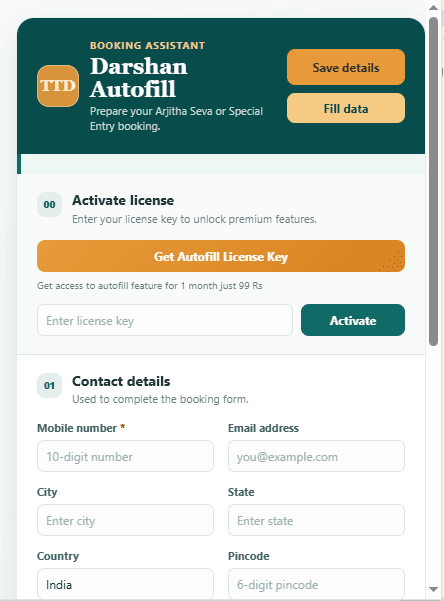
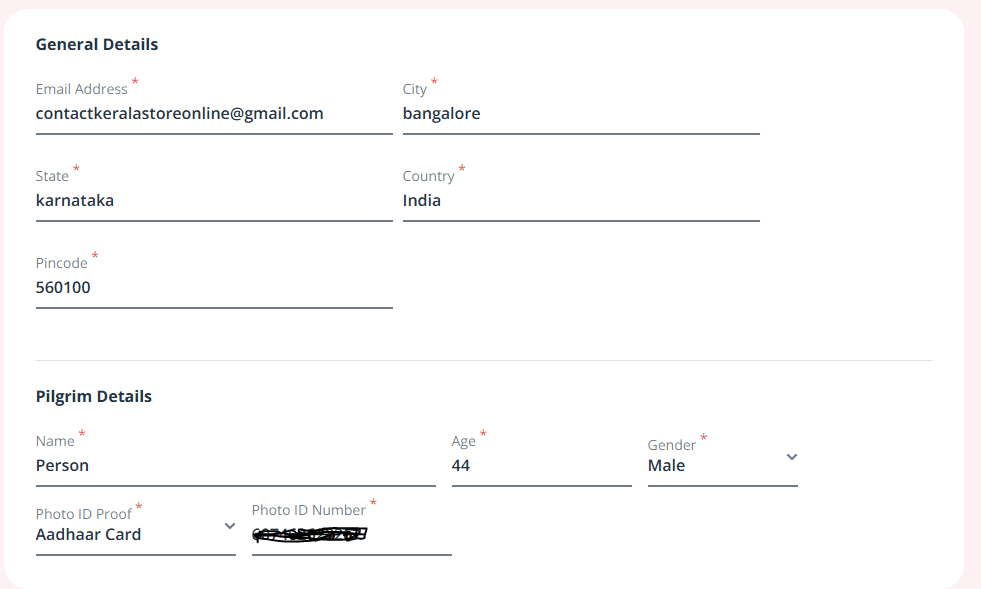
Short videos showing Darshan Autofill on the actual TTD booking site. Videos are being recorded for the next release — screenshots below show the current popup in the meantime.
60-second overview
What Darshan Autofill does, from install to a filled booking form.
Booking a Special Entry Darshan slot
A full walkthrough on the live TTD site, start to finish.
Install latest version. Add family members & Aadhar details
How to install the extension and people-traveling list works.
Video coming soon
Where your data is stored
A look at Chrome's local storage panel, showing nothing leaves the browser.
Screenshots
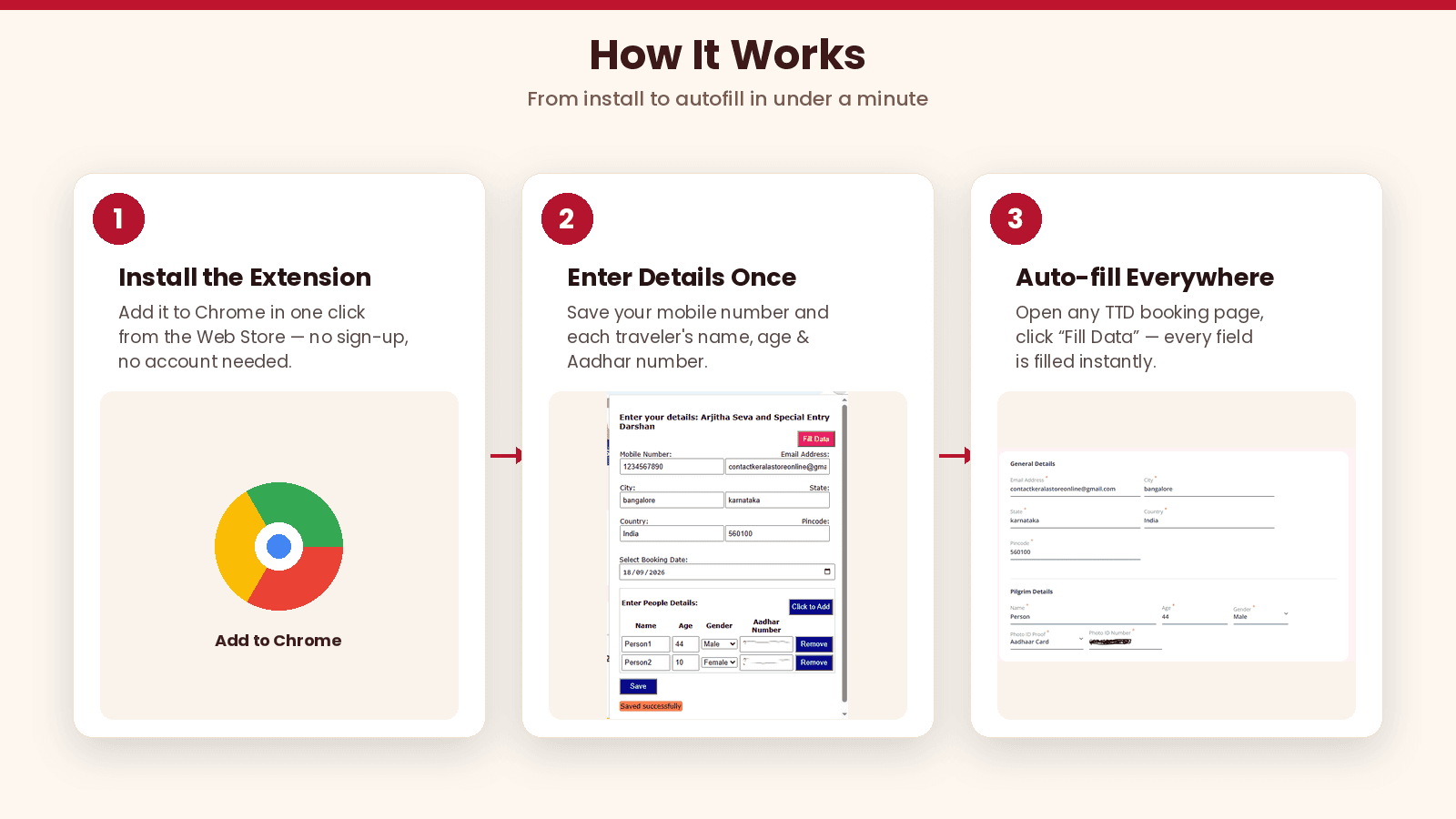
The three-step flow: install, save your details once, then autofill on the TTD site.