
Stop losing your darshan slot to a slow form.
Darshan Autofill fills your mobile number, Aadhar ID and every traveler's details on the TTD booking page the instant tickets open — so you spend those seconds clicking submit, not typing.
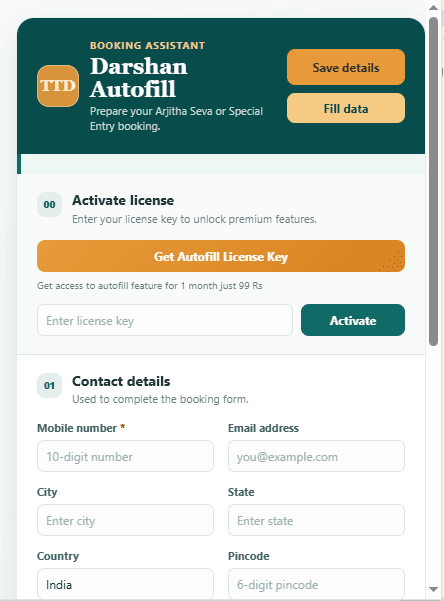
How it works
From install to a filled booking form, in under a minute.
- 1
Install the extension
Add Darshan Autofill to Chrome once. No account or sign-up required.
- 2
Save your details once
Enter your mobile number and each traveler's name, age, gender and Aadhar number. It's saved for every future booking.
- 3
Autofill on the TTD site
Open the booking page, click Fill data, and every field is filled instantly — before the slot is gone.
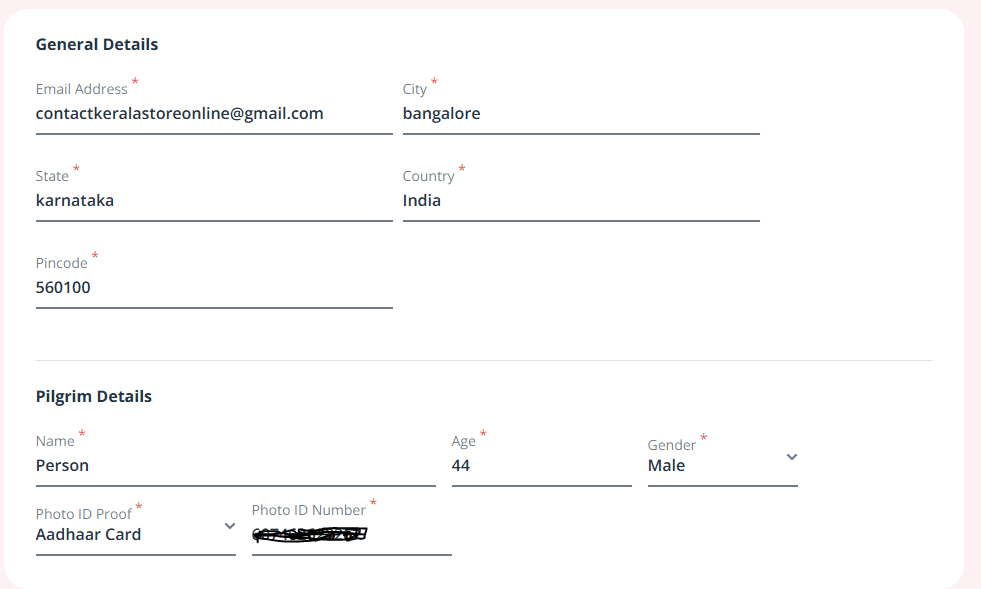
Built for the whole family, not just one form.
Most bookings are for parents, grandparents and children together. Add each traveler once and Darshan Autofill carries the whole list into every booking you make from then on.
Fills the form in one click
Mobile number, email, address and booking date are filled the moment you click Fill data — no more racing the clock field by field.
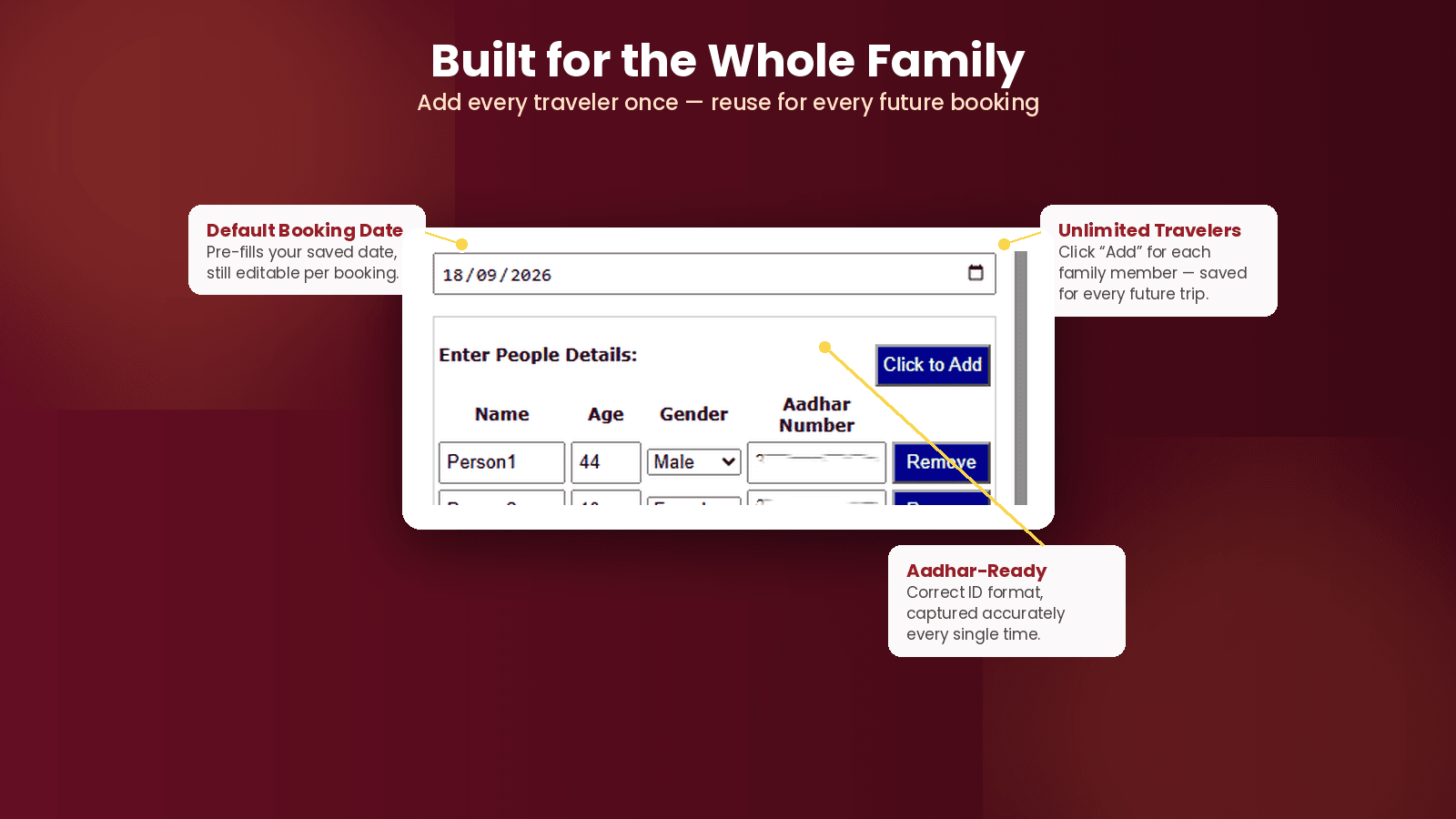
Built for the whole family
Add every traveler once — name, age, gender, Aadhar number — and reuse the list for every booking you make afterward.
Your Aadhar number stays put
Everything you enter is stored locally in your browser. Nothing is uploaded to us or to any third party.
Made for Special Entry & Arjitha Seva
Field names, formats and validation match the actual TTD booking forms for these two ticket types.
Your Aadhar number never leaves this device.
Every detail you save is stored in Chrome's local storage on your own computer. Darshan Autofill has no server, no account system, and nothing is transmitted anywhere when you fill a form.
₹99
Monthly payment for Pro features. No ads.
- Unlimited travelers per booking
- Special Entry Darshan & Arjitha Seva support
- Free updates for future TTD form changes